Compress PDF
Compress PDFs on your iPhone or iPad with PDFgear without losing quality. Keep your files smaller while maintaining a clear, readable layout.
- Tap the “+” button to import your PDF into PDFgear.
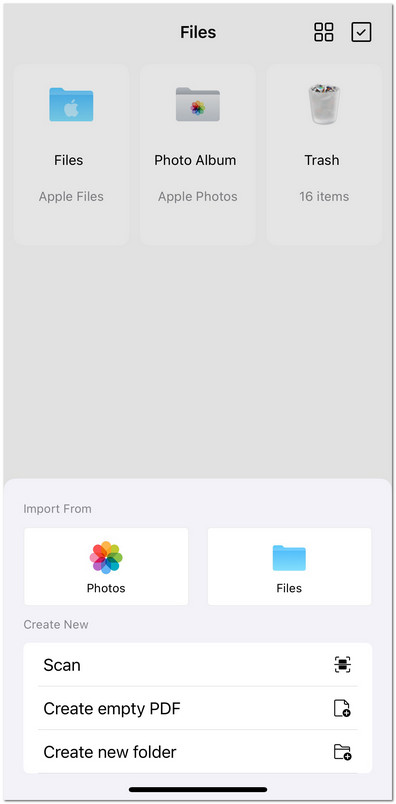
Import File to PDFgear for iOS
- Open the file, then tap the three-dot (···) menu in the upper-right corner.
- Select Reduce File Size from the menu.
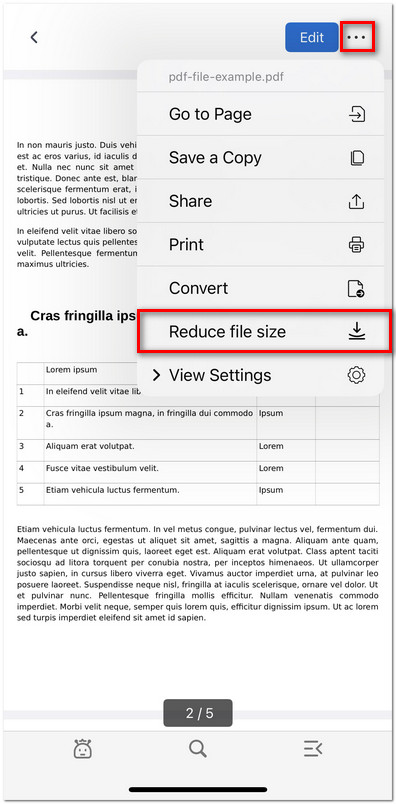
Reduce PDF File Size in PDFgear for iOS
- Wait for the optimization process to complete. The reduced file will appear in your Files list with the latest timestamp.
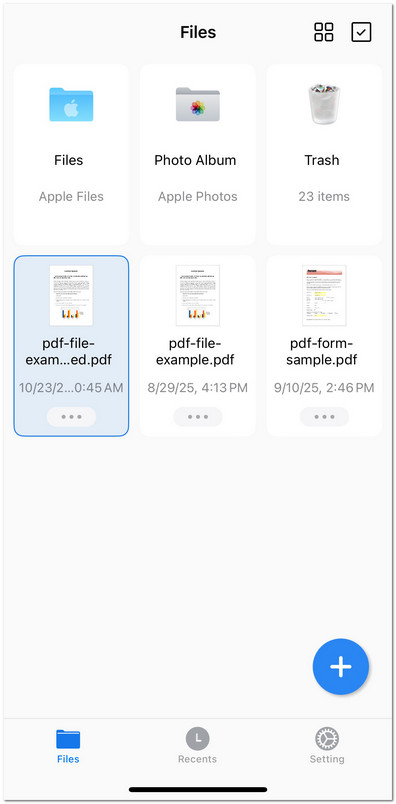
Check the Smaller Size PDF File