Download and Install PDFgear
Getting PDFgear on your iPhone or iPad is quick and free. Follow these steps:
-
- Go to the PDFgear official website from Safari or any browser on your iPhone or iPad.
- On the page, tap any Download button. You will be redirected to the App Store.
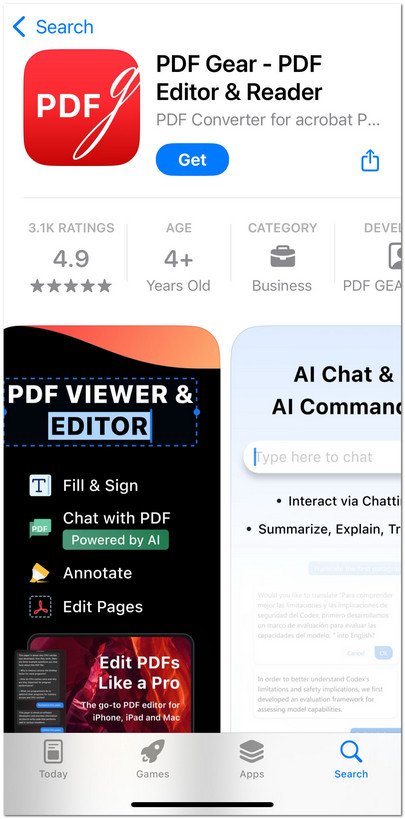
Get PDFgear for iOS
- In the App Store, tap Get to download PDFgear.
- Authenticate with Face ID, Touch ID, or your Apple ID password if required.
- Once the installation is complete, the PDFgear icon will appear on your Home Screen. Tap it to open the app.