Zip PDF Files
PDFgear lets you zip PDF files on your iPhone or iPad, making it easy to bundle multiple PDFs into a single compressed file for sharing or storage.
- Tap the checkmark icon in the top-right corner to enter selection mode.
- Select one or multiple PDFs you want to zip.
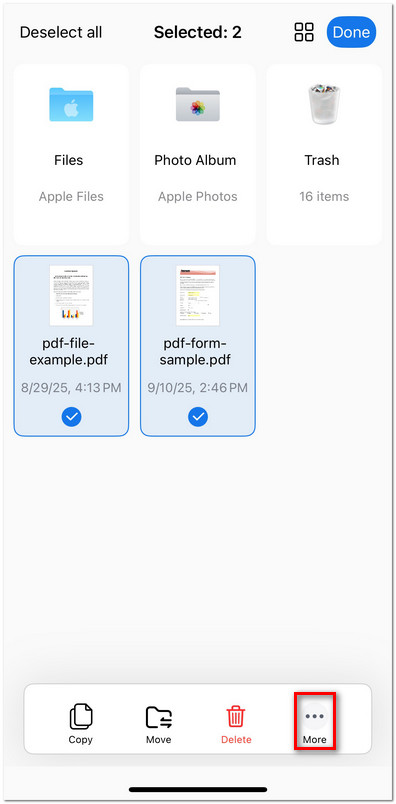
Select PDF Files to Compress in PDFgear
- Tap More at the bottom of the screen, then choose Compress.
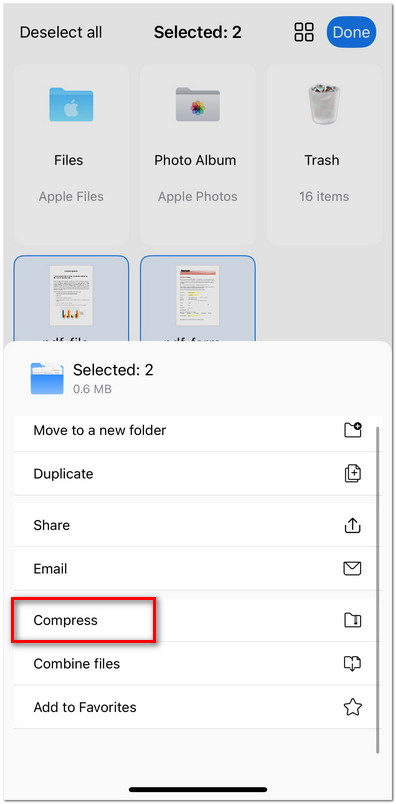
Compress PDF Files in PDFgear for iOS
- A new ZIP archive containing your selected PDFs will appear in your file list.
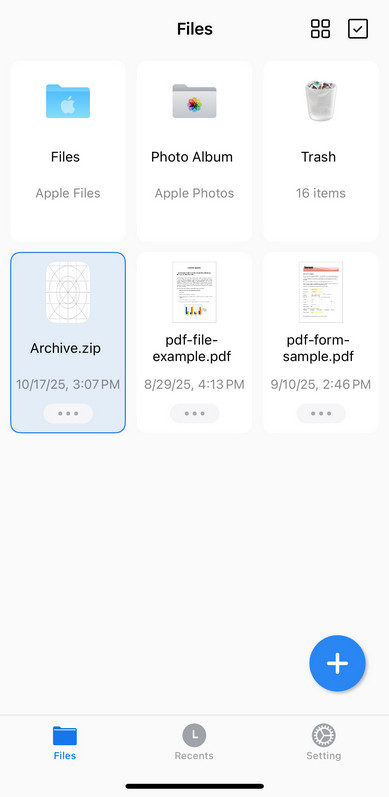
Check the Compress Files in PDFgear