Download and Install PDFgear for Windows
Step 1. Download and Open the Installer
First, visit the PDFgear official website to download PDFgear for your Windows device.
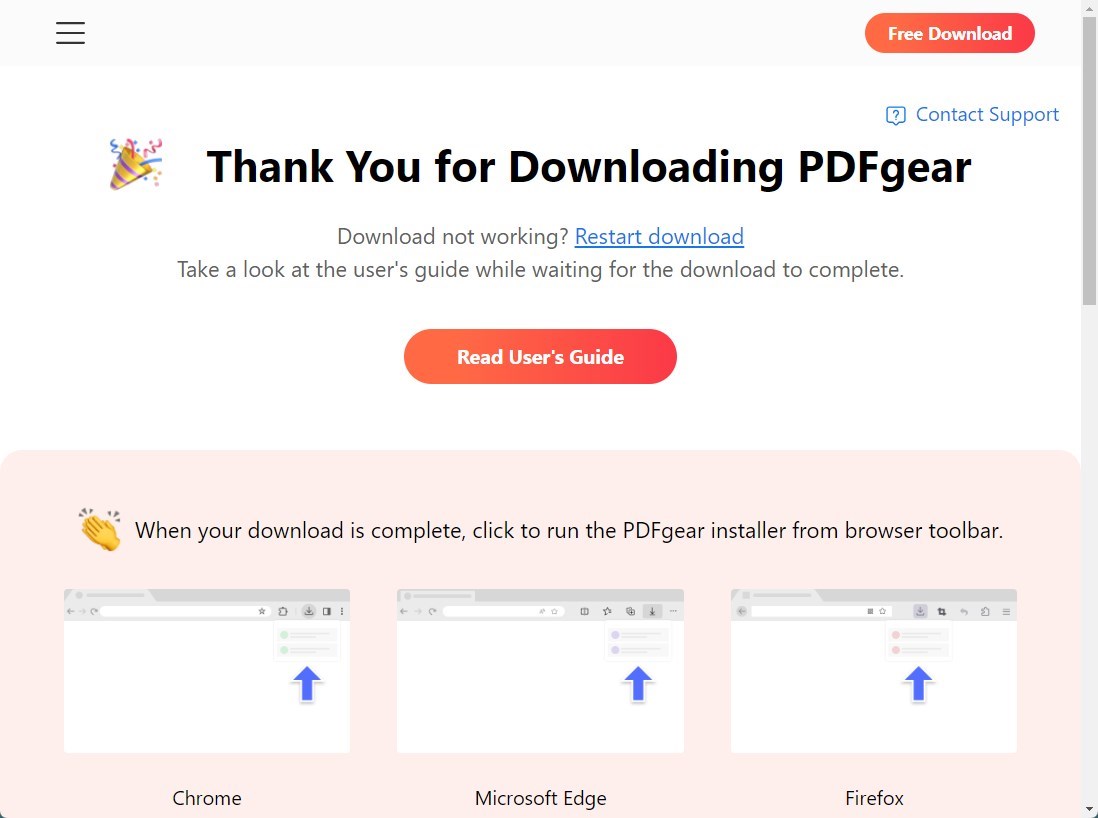
Download and Install PDFgear
Double-click on the .exe file you just downloaded and the PDFgear installer will start initialize.
Step 2. Finish your Installation
Follow the lead of the installer. Click Finish to finish the installation and launch PDFgear on your device.