 Sign PDF Online
 4.9 (10,000+ Reviews)
Create your PDF signature and sign documents for free. No sign-up required

 Select PDF File
Or drop it here.
Loading... 0%
Manifest der Kommunistischen Partei.pdf
1.19 MB


- No file data is uploaded or transferred over the internet
- Files stay locally within your browser
- All processing occurs entirely within your browser
Learn more about why PDFgear is free. Still have questions? Feel free to contact us.
How to Sign a PDF Online for Free
1. Open your PDF
Select your PDF or drop it into the tool. When asked who will sign, choose the option to sign the document yourself.
2. Create and place your signature
Choose "Signature", then "Draw", "Type", or "Upload image". Select "OK", click or tap the PDF to place your signature, and adjust its size and position.
3. Save the signed PDF
Add a date or initials with "Text" if needed. Check the completed pages, then choose "Save PDF" to download your document.
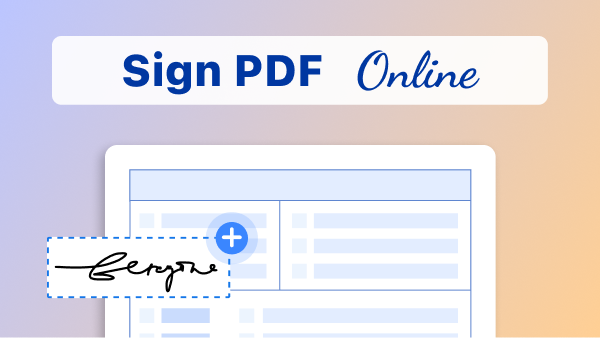
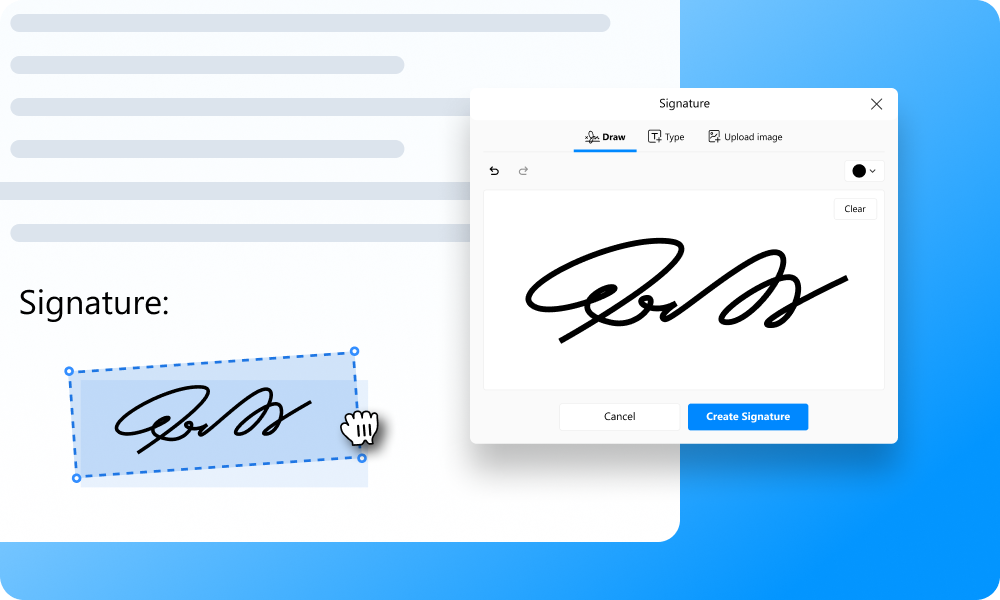
Add Your Signature to a PDF
Draw your signature, type your name, or upload a signature image. Customize drawn or typed signatures with colors, choose a font for typed signatures, and resize to fit your PDF.
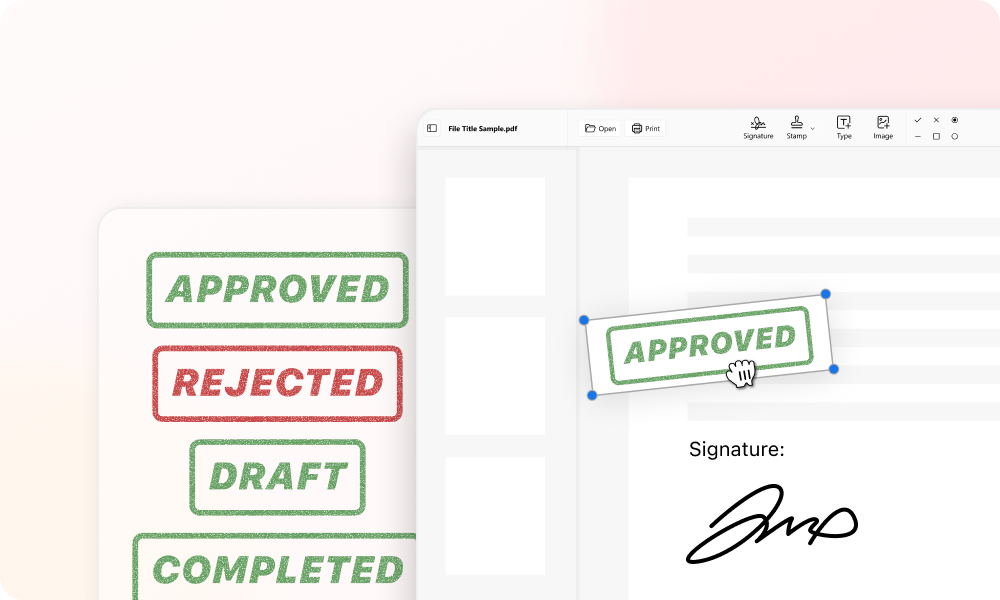
Fill and Sign in One Place
Add your name, date, initials, and signature in one place. You can also insert images and use stamps to mark documents as approved, rejected, draft, or completed.
Sign on Your Phone or Computer
Sign a PDF in your browser on iPhone, Android, Mac, or Windows. Use your finger, mouse, or trackpad, with no software installation required.
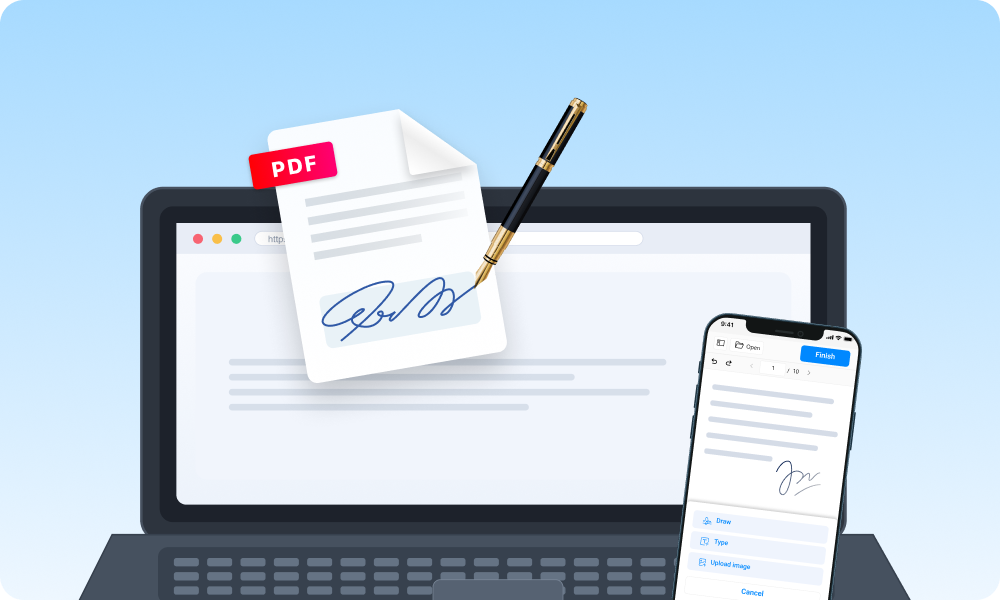
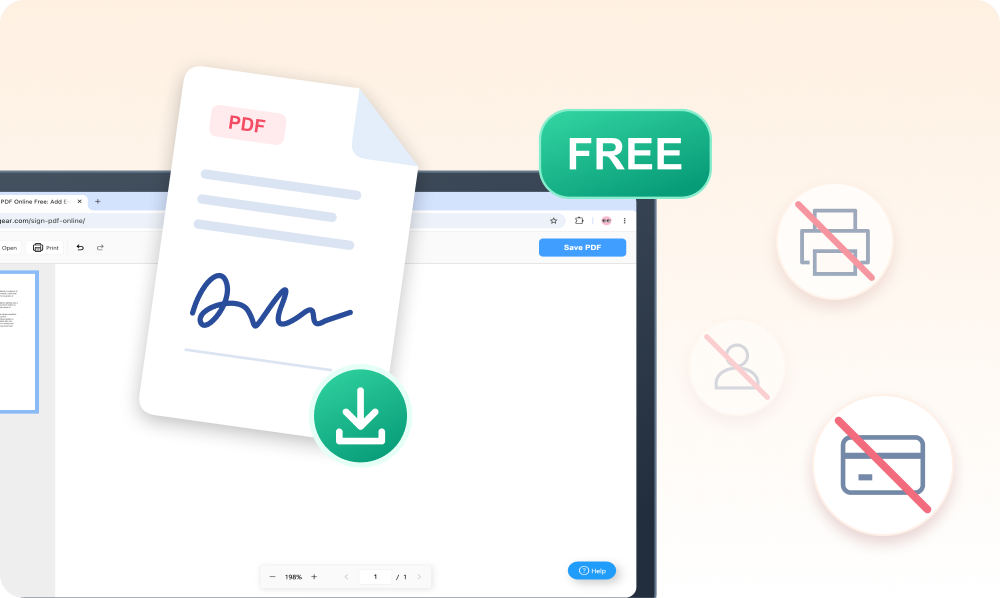
Sign a PDF for Free Without Adobe
Electronically sign a PDF for free without Adobe Acrobat or printing. Download your signed file with no account, registration, or credit card required.
Keep Your Documents on Your Device
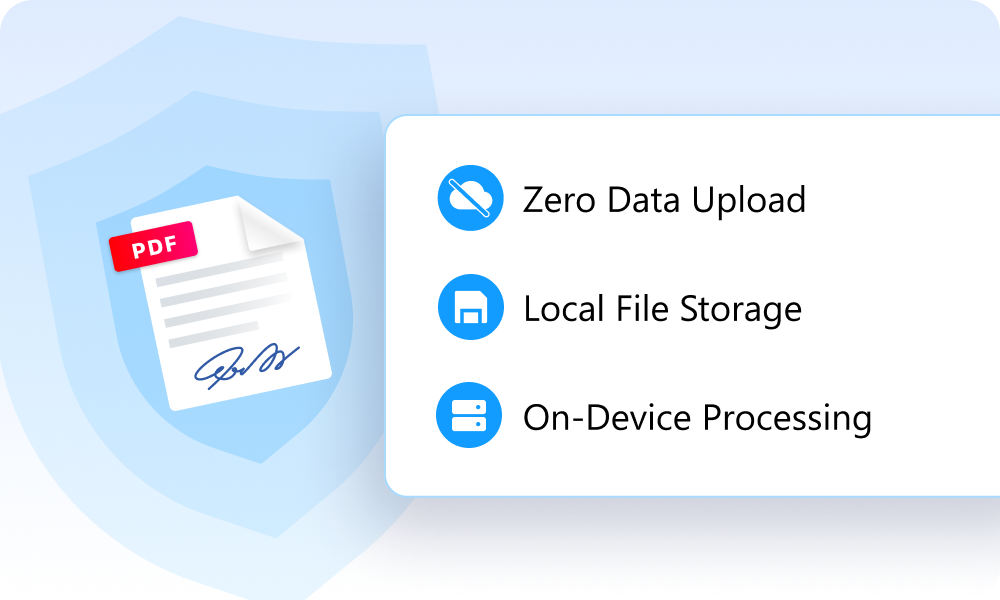
Your PDF and signature are processed locally in your browser. Files stay on your device, with no document data uploaded to a server for signing.
Electronic vs. Digital Signatures: Which Do You Need?
Discover the difference between visual electronic signatures and certificate-based digital signatures.
| Electronic Signature | Digital Signature | |
|---|---|---|
| What is it? | An electronic way to show you agree to a document | An electronic signature verified using a digital certificate |
| Verify signer's identity? | Not with a signature alone | Through a trusted certificate |
| Detect later changes? | No | Yes |
| What do I need? | Your PDF and browser | A certificate-based signing tool |
| Best for? | Everyday forms, approvals, and agreements | Documents that require a digital certificate |
Questions About Signing PDFs Online
How do I sign multiple pages in a PDF?
In the online signer, place your signature on each page separately, then choose “Save PDF” when you're done. To place the same signature across multiple pages at once, use PDFgear's desktop software. See our detailed guide to adding multiple signatures.
Can I send a PDF to someone else to sign?
Yes. Select your PDF, then choose to invite others when prompted. You'll be directed to eSignGear where you can send signature requests and track signing progress. If you're signing the PDF yourself, stay in PDFgear.
Can I sign a Word or Excel file here?
This signer opens PDF files. Convert your document with Word to PDF or Excel to PDF, then open the resulting PDF here to add your signature.
Can I use an electronic signature on a contract?
Yes, electronic signatures can be legally binding. The requirements depend on the type of contract and local law, so check which signing method the recipient accepts. If you need to detect changes after signing and keep a record of signing activity, use eSignGear.
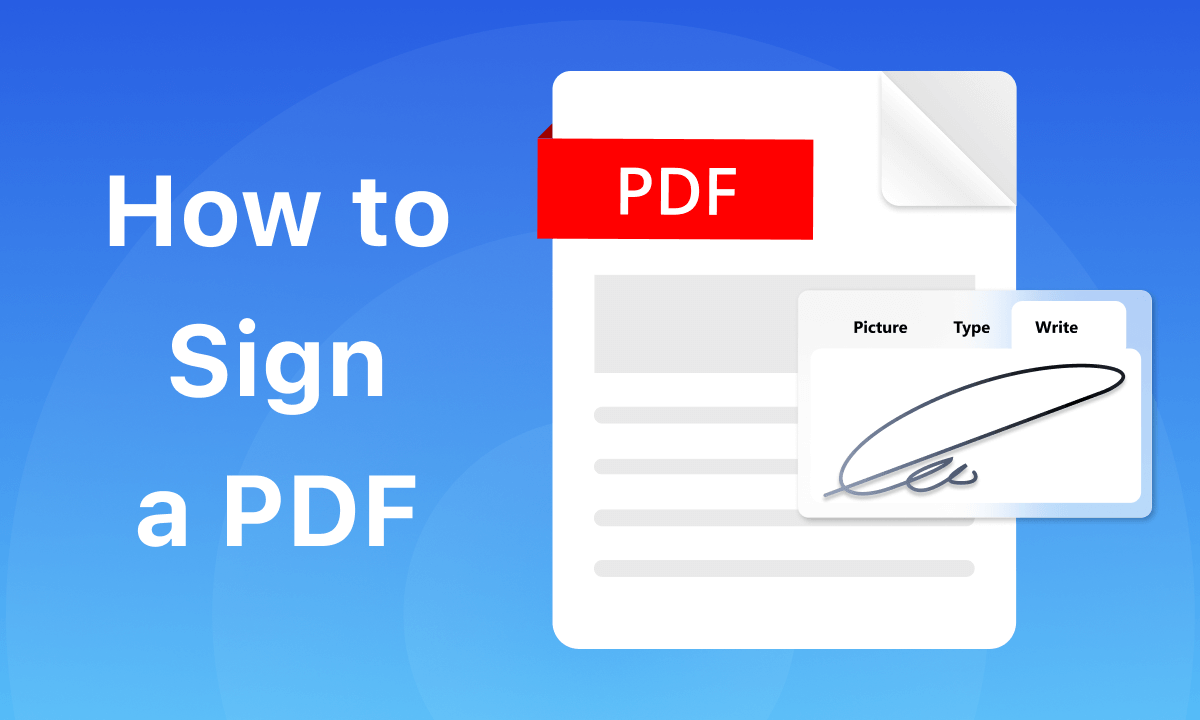 How to sign a PDF online or with a desktop app
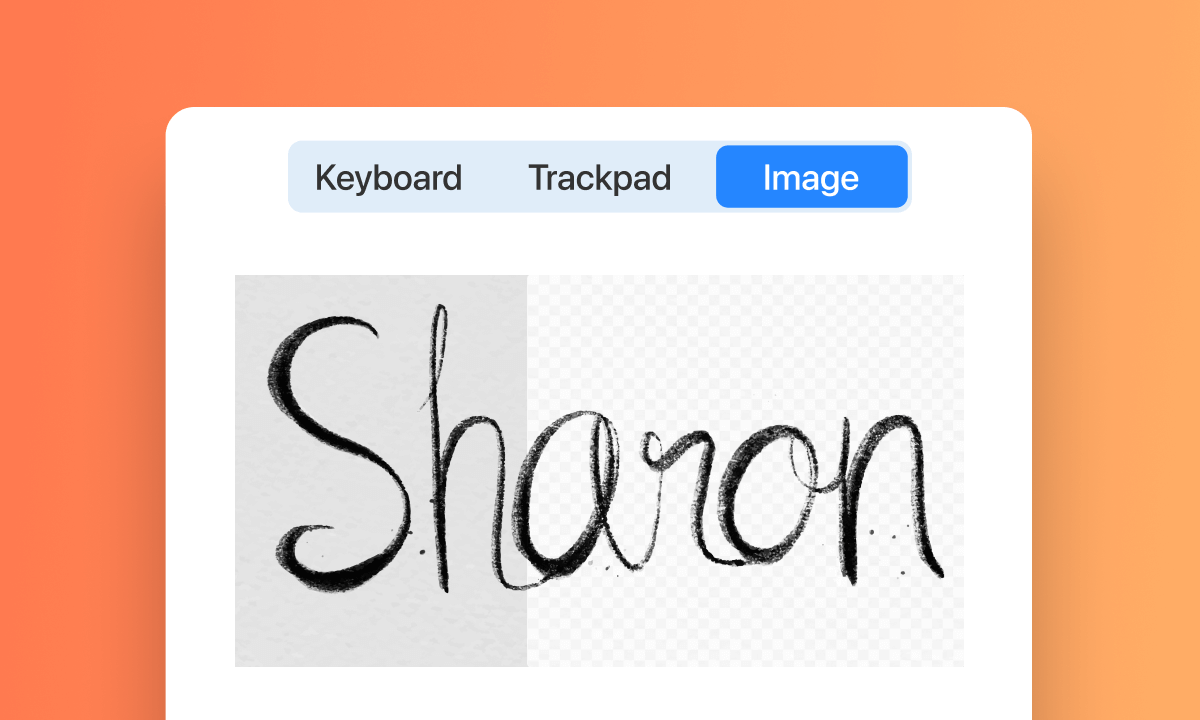 How to add a signature image to a PDF
 How to sign a PDF with a digital certificate